Define FiservDNA Batch Users
Theme: Configure | Audience: System Administrator
What is it?
The ACS FiservDNA integration requires OpCon batch users to supply credentials for network drive mappings, the SQT program, and the Oracle database. These users are created once and then selected by name when configuring the agent connection.
The following batch users are required:
- Each user associated with a Network Drive Mapping.
- The SQT user.
- The Oracle User.
Define a batch user
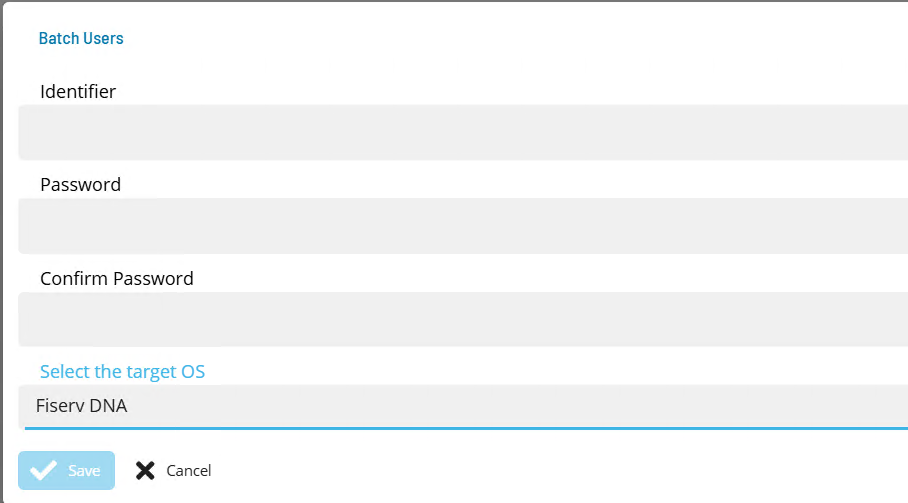
To define FiservDNA batch users, complete the following steps:
- Open Solution Manager.
- From the Home page select Library.
- From the Security menu select Batch Users.
- Select +Add to add a new Batch User.
- Select Fiserv DNA from the Select the target OS list.
- In the Identifier field enter the user name of the account, such as the drive mapping user, the SQT user or the Oracle user.
- In the Password and Confirm fields enter the password of that account.
- Select Save.
Repeat for each required batch user.